The Backrooms With Guns All Badges: Complete Checklist
Explore The Backrooms With Guns all badges, from kill milestones to Expert and boss challenges. Track all 21 rewards and plan your completion checklist.
Jump to
That 10,000,000 Kills badge has been awarded just 5 times. Use this The Backrooms With Guns all badges checklist to track all 21 badges, from your opening kill to Discovery completion and boss victories. The kill milestones give you clear numerical targets, while the rest of the collection stretches beyond combat totals.
Kill Milestones: Every Target and Award Count
Seven badges cover kill milestones, starting at 1 Kill and reaching 10,000,000 Kills. Use the requirements below to pick your next target.
| Badge | How to Unlock | Times Awarded |
|---|---|---|
| 1 Kill | Get your first kill. | 15,577,888 |
| 100 Kills | Reach 100 kills. | 5,422,286 |
| 1,000 Kills | Reach 1,000 kills. | 1,119,504 |
| 10,000 Kills | Reach 10,000 kills. | 34,689 |
| 100,000 Kills | Reach 100,000 kills. | 884 |
| 1,000,000 Kills | Reach 1,000,000 kills. | 102 |
| 10,000,000 Kills | Reach 10,000,000 kills. | 5 |
The upper milestones are a substantial grind: 10,000 Kills has 34,689 awards, while 100,000 Kills has 884. These are award totals, not percentages of the player base.
For PvE sessions with fewer resource constraints, choose Classic, which provides infinite health and ammo. Survival uses limited health and ammo, so choose it when you want those restrictions to be part of the challenge.
Returning after Update 1.2? Visit the weapon shops to re-equip your previous weapons for free. The saving-system change can make those weapons initially disappear from your inventory, but your kills were retained.
Official page: The Backrooms With Guns (roblox.com)
Discovery, Bosses, and the Remaining Badge Checklist
The other 14 badges include collection objectives, boss victories, and titles such as Reality, Truth, and what. Keep their names separate on your checklist—especially Boss Defeated and Motion Boss Defeated.
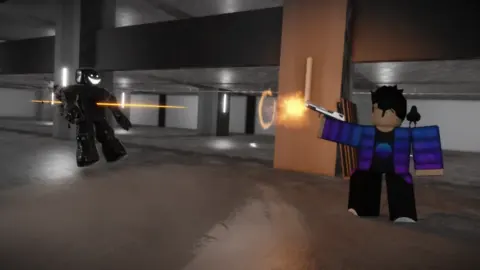
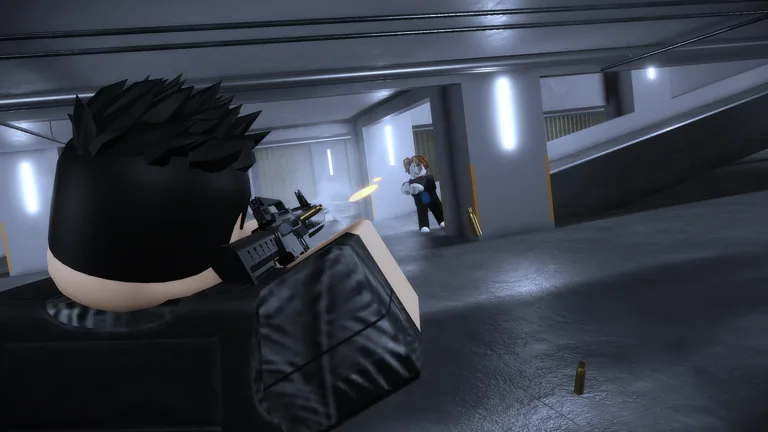 Image: Roblox / Floridoit
| Badge | Times Awarded |
|---|---|
| Expert | 121,392 |
| You Ran | 394,444 |
| Cheater | 37,190 |
| Lights Out | 6,341,900 |
| Boss Defeated | 1,465,883 |
| Motion Boss Defeated | 28,818 |
| Nuke | 64,276 |
| One Step Closer | 1,057,512 |
| Reality | 352,569 |
| Above Ground | 203,818 |
| Endless | 115,469 |
| Truth | 49,016 |
| what | 58,615 |
| You Met Floridoit | 38,382 |
Three objectives give you explicit actions to work toward:
- Expert: Fill every entry in the Discovery.
- Boss Defeated: Defeat the boss.
- Nuke: Detonate the nuke.
For Expert, use the Discovery itself as your checklist and work toward filling every entry. A high kill total alone does not satisfy its stated objective.
Lights Out has the highest award total in this group at 6,341,900. Motion Boss Defeated has 28,818, compared with 1,465,883 for Boss Defeated. Keep those figures in perspective: they show how many times each badge has been awarded, without supplying a difficulty rating or a completion percentage.
Badge Completion Order
Organize your badge hunt around the objectives with clear requirements, then keep the remaining names visible as individual targets:
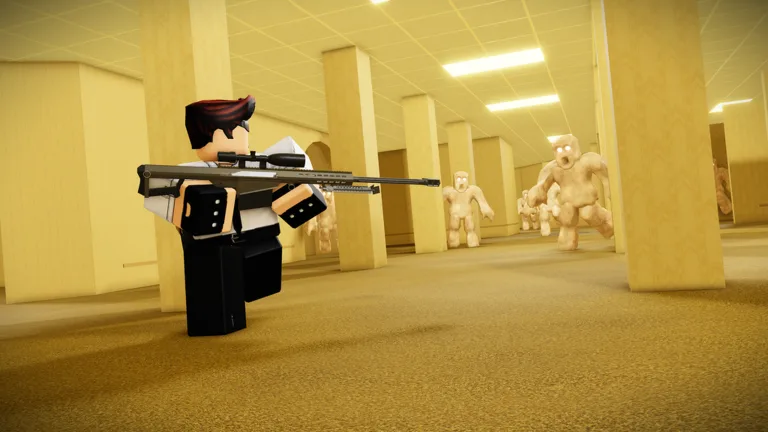 Image: Roblox / Floridoit
- Start with 1 Kill. Follow the numerical milestones through 100 Kills and 1,000 Kills.
- Work through the Discovery for Expert. Track its entries separately from your combat goals.
- Target Boss Defeated and Nuke. Their objectives are a boss victory and a nuke detonation.
- Keep every remaining badge on your checklist. Include Motion Boss Defeated, You Ran, Cheater, Lights Out, One Step Closer, Reality, Above Ground, Endless, Truth, what, and You Met Floridoit.
- Set the higher kill milestones as long-term targets. Continue through 10,000 Kills, 100,000 Kills, 1,000,000 Kills, and finally 10,000,000 Kills.
Continue with
 The Backrooms With Guns Nuke Badge: How to Unlock ItGet The Backrooms With Guns nuke badge by finding the Wire Cutter, opening the lobby's cracked wall, and detonating the bomb. See the server restrictions.
Continue exploring
Join the community
Official channels for news, updates and player help: