The Backrooms With Guns How To Get Reality Mode Guide
The Backrooms With Guns how to get reality mode: follow the Bloxy Cola quest, find the hidden exit, unlock menu access, and complete the stabilizer event.
Jump to
How to Unlock Reality Mode
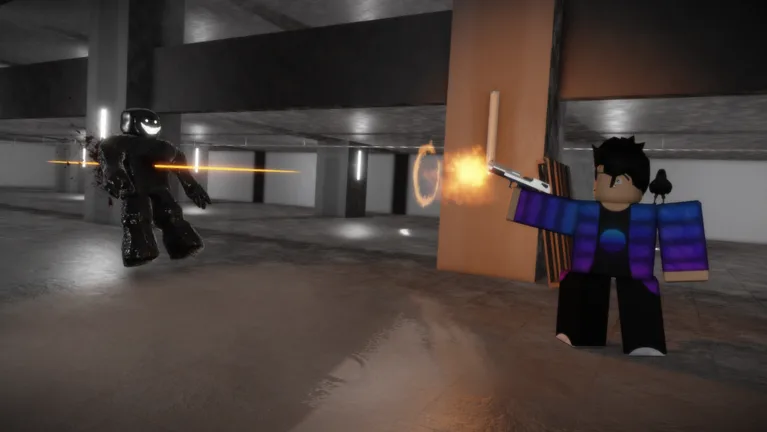
Searching for “The Backrooms With Guns how to get reality mode”? Collect the key in The Darkrooms and use the hidden exit to reach Reality. Reaching that area unlocks access from the mode selection screen, letting you return directly.
The route starts with an NPC asking for Bloxy Cola, then takes you through a room marked “freedom” and a hidden entrance behind glass. The three-key stabilizer puzzle comes afterward; it leads toward the Above Ground ending.
Start in Classic if you want unlimited ammunition while learning the route:
| Starting mode | Health | Ammo |
|---|---|---|
| Classic | Infinite | Infinite |
| Survival | Limited | Limited |
If you choose Survival, collect ammo boxes and medkits around the map to replenish your supplies. Daniel’s Armory in The Lobby is also a safe area where you can restore health and ammunition before continuing.
Keep a weapon ready for the Darkrooms section. Even with Classic’s infinite health, later escape hazards deserve attention.
If you last played before Update 1.2, visit the weapon shops to re-equip your previous weapons for free. The update introduced a new saving system, so those weapons will not initially appear, but your kills have been saved.
Official page: The Backrooms With Guns (roblox.com)
Get Bloxy Cola and Find the Darkrooms Key
Your first objective is the NPC who offers escape information in exchange for a drink.
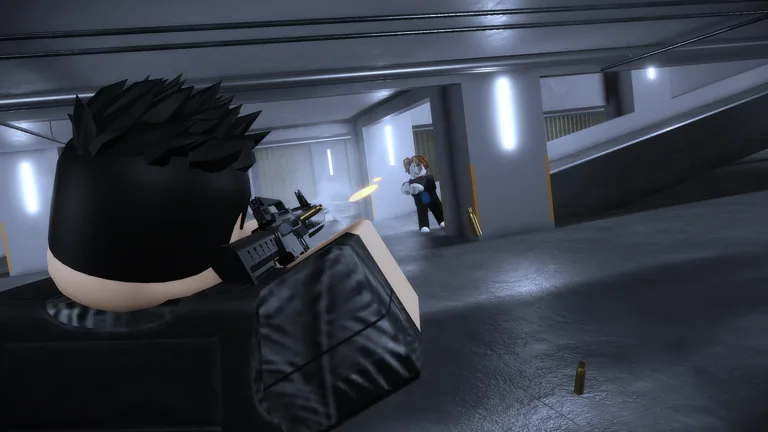 Image: Roblox / Floridoit
- Talk to the NPC. He asks you to bring him a Bloxy Cola.
- Reach 10 kills. That is the requirement for getting the Cola.
- Visit Daniel’s Armory. Talk to Daniel at the weapon store and purchase the Bloxy Cola.
- Return to the NPC. Speak to him again and hand over the drink.
- Look for the “freedom” sign. Enter the room it marks and search for the key.
- Hold the interaction button to collect the key, then leave the room.
Expect more entities around the key-search section. Draw your gun before entering so you can deal with them while looking around.
Before moving on, make sure you have:
- Given the Bloxy Cola to the NPC.
- Entered the room marked “freedom.”
- Collected the key using its interaction prompt.
Open the Hidden Exit to Reality
With the key collected, search for a large room with a window near the key area.
- Shoot the glass to break it.
- Enter through the broken window.
- Hold the interaction button at the hidden exit.
- Wait for the teleport into Reality.
Arriving in Reality is the unlock milestone. You receive the Reality badge, and the mode becomes accessible below the other options on the selection screen.
The next area contains another escape sequence involving offices, three keys, and a stabilizer. Continue if you want to reach the surface.
Complete the Stabilizer and Reach Above Ground
Once you arrive in Reality, collect three keys from the office areas:
- First key: In an office near your arrival area.
- Second and third keys: Upstairs on the second floor, in separate office rooms.
After collecting all three, return to the ground floor. Move forward, head up to the controls, and complete the following sequence:
- Turn on the power.
- Insert all three keys into the keyholes.
- Press the red button to begin the stabilizer event.
Have tape ready before starting. At around 35%, a monster charges toward the core. Go down and use the tape to patch the hole.
Avoid the dead monster while making the repair: touching its body can kill you. Leave yourself room to approach the hole without stepping into it.
After patching the hole, wait for progress to reach 100%. The teleport follows after a short wait. Once you arrive, walk forward to reach the surface and earn Above Ground. That final area lets you explore or stay AFK.
Continue with
 The Backrooms With Guns How to Run: Sprint ControlsThe Backrooms With Guns how to run guide: learn the April Fools keyboard sprint input, choose a game mode, and adjust settings for smoother movement on PC.
More in Guide
The Backrooms With Guns Beginner Guide: Escape Tips
The Backrooms With Guns beginner guide covers modes, early weapon unlocks, Bloxy Cola, and the escape route. Learn the key steps and avoid deadly mistakes.
The Backrooms With Guns Ending: Complete Escape Guide
Reach The Backrooms With Guns ending with a step-by-step escape route, all three key locations, and the core repair you need before the charge hits 100%.
The Backrooms With Guns Game Passes Sold In Experience
Explore The Backrooms With Guns game passes sold in experience, including Robux prices, PvP restrictions, Hub access, and shop shortcuts before you buy.
The Backrooms With Guns How to Escape: Complete Guide
The Backrooms With Guns how to escape guide: get Bloxy Cola, find all four keys, activate the core, and survive the 35% repair to reach the surface safely.
Join the community
Official channels for news, updates and player help: