The Backrooms With Guns RPG: How to Unlock and Use It
Unlock The Backrooms With Guns RPG, access your group weapons, and learn how the rocket launcher differs from the Firework Launcher and paid alternatives.
Jump to
How to Unlock the RPG
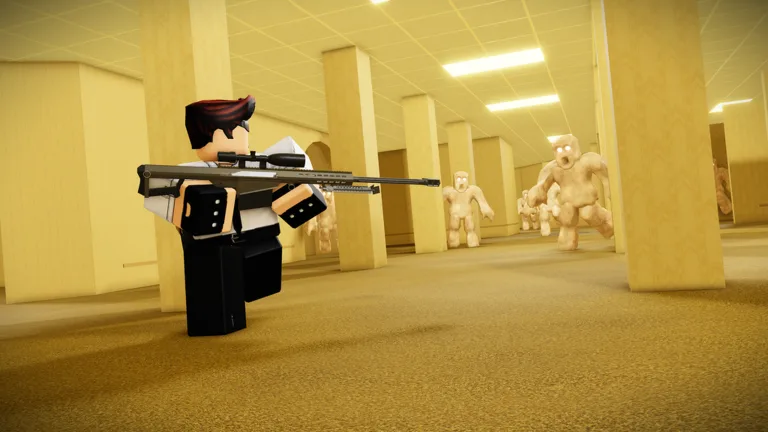
The Backrooms With Guns RPG is a group-exclusive rocket launcher that can kill multiple entities with a single blast. Unlocking it means joining the game's Roblox community, rejoining the experience, and opening your inventory. Check that route before searching behind breakable windows—the hidden weapon there is the separate Firework Launcher.
Follow these steps to access the group weapons:
- Leave the experience and open The Backrooms With Guns on Roblox.
- Select the developer profile linked from the experience page.
- Open the full profile and scroll to the communities section below the friends area.
- Find the community with the blue LB icon. Open its page and look for the description identifying it as the game's community.
- Select Join Community.
- Rejoin the experience and open your inventory to find the group weapons, including the RPG.
The group weapon selection also includes Frostbite, Gray Splinter, and .700 Nitro. Look for the RPG by name so you equip the rocket launcher you came for.
What the RPG Does
The RPG fires PG-7V rockets and can take out several entities at once. It also has a quick reload, giving it a useful combination of explosive crowd damage and relatively short pauses between shots.
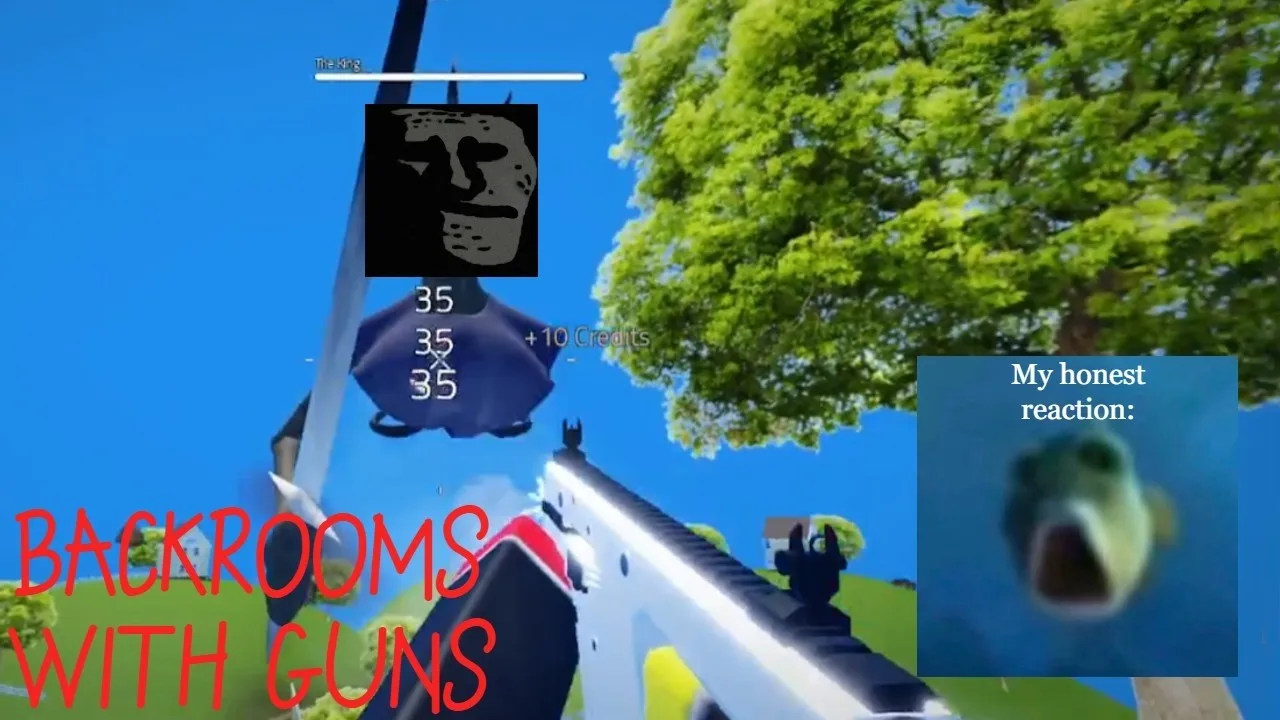
Aim at clustered entities to take advantage of its ability to hit multiple enemies. Use those groups to judge how the launcher fits your loadout before relying on it throughout a run.
Your game mode also changes the resources you need to manage:
- Classic: PvE with unlimited health and ammunition.
- Survival: PvE with limited health and ammunition.
Try the launcher in Classic to get familiar with firing and reloading without managing ammunition. In Survival, look for opportunities to catch multiple entities in a shot so you get more value from your limited supply.
RPG vs. Firework Launcher and M32
There are several explosive weapons to distinguish when you're looking through unlocks and shops:
| Weapon | How to obtain it | Identifying detail |
|---|---|---|
| RPG | Join the game's community and access the group weapons | Fires PG-7V rockets |
| Firework Launcher | Collect it from the hidden room reached through a window | Found through exploration |
| Grenade Launcher (M32) | Purchase its 149 Robux game pass | Unavailable in PVP |
The stacked-box route leads to the Firework Launcher:
- Find the large room with stacked boxes.
- Climb the smaller stack to reach the window.
- Shoot the glass with a weapon you already have.
- Jump through the opening.
- Pick up the Firework Launcher in the corner of the room.
Keep these unlock routes separate: joining the community gets you access to the group arsenal, while climbing the boxes leads to a hidden pickup.
Missing Weapons After Update 1.2
Returning with an empty-looking loadout can be alarming, especially if you previously collected several weapons. Update 1.2 introduced a new saving system that changes how returning players recover their equipment.
For players whose last session was before that update:
- Your saved kills remain.
- Previously owned weapons can be re-equipped for free at the weapon shops.
Visit the weapon shops to restore your previous equipment. For the group launcher, complete the community-join steps and rejoin the experience before opening your inventory.
Continue with
 The Backrooms With Guns Weapons Guide: All UnlocksThe Backrooms With Guns weapons guide covers kill requirements, shop unlocks, Robux prices, PvP restrictions, and how to recover gear after Update 1.2.
More in Weapons
The Backrooms With Guns All Guns: Unlocks and Prices
The Backrooms With Guns all guns guide covers kill requirements, shop weapons, group guns, and gamepass prices. Find your next unlock and PvP restrictions.
The Backrooms With Guns Crowbar Location: Find It Fast
Find The Backrooms With Guns crowbar location in Lurking Danger, then use it on the boarded door in The Bridges to reach Level! and prepare for the chase.
The Backrooms With Guns Firework Launcher Location
Find The Backrooms With Guns firework launcher by climbing the stacked boxes and entering the window room. Follow the pickup route and weapon reset tips.
The Backrooms With Guns Golden Eagle: Unlock Guide
Unlock The Backrooms With Guns golden eagle at 1,000,000 kills. Find Miguel's shop requirements, compare it with the Desert Eagle, and recover old weapons.
Join the community
Official channels for news, updates and player help: